Rotoroa Island was a Salvation Army rehabilitation centre for 100 years and is now a wildlife sanctuary. Look for kiwi calls after dark and takahē on the lawns near the wharf.
That demo is the same UI the crew runs aboard.
Bridge for the watch, Guest for the saloon, AMS for the engineer. IT and AV ship free with Bridge.
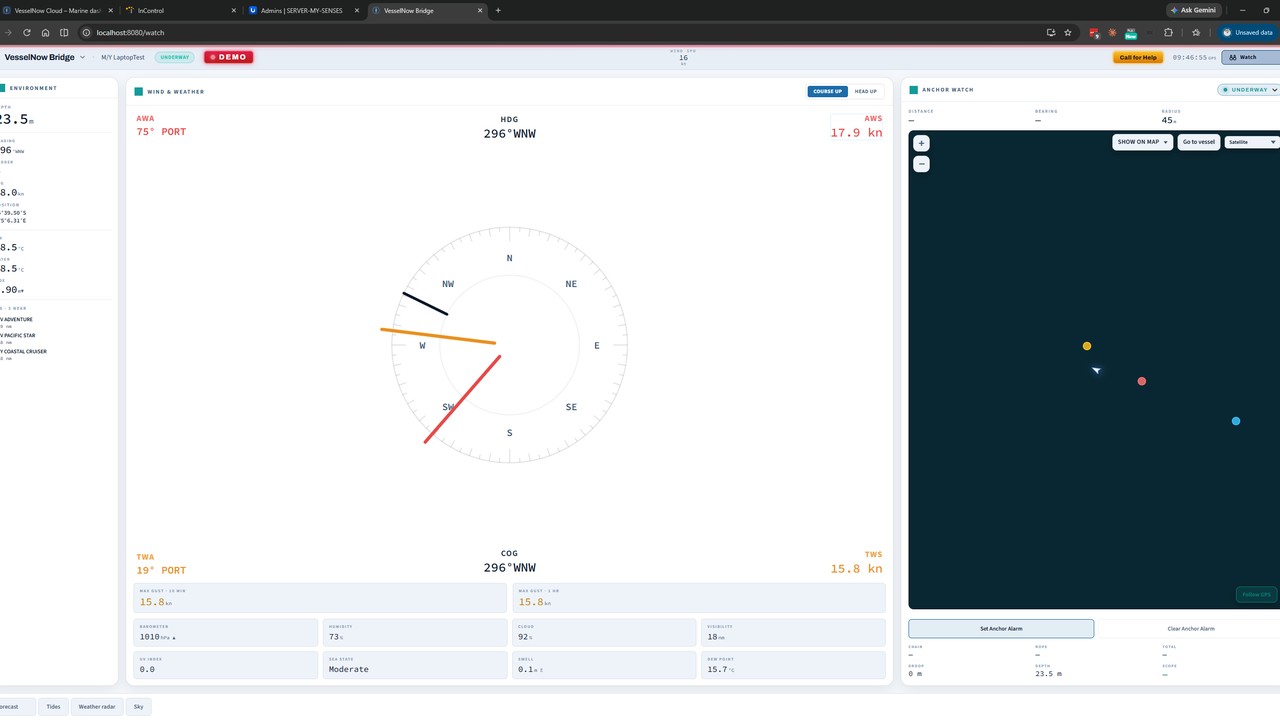
Bridge, for the watch
Instruments, AIS, cameras, weather and anchor watch beside your certified plotter. Alarms go to crew phones only.
More about Bridge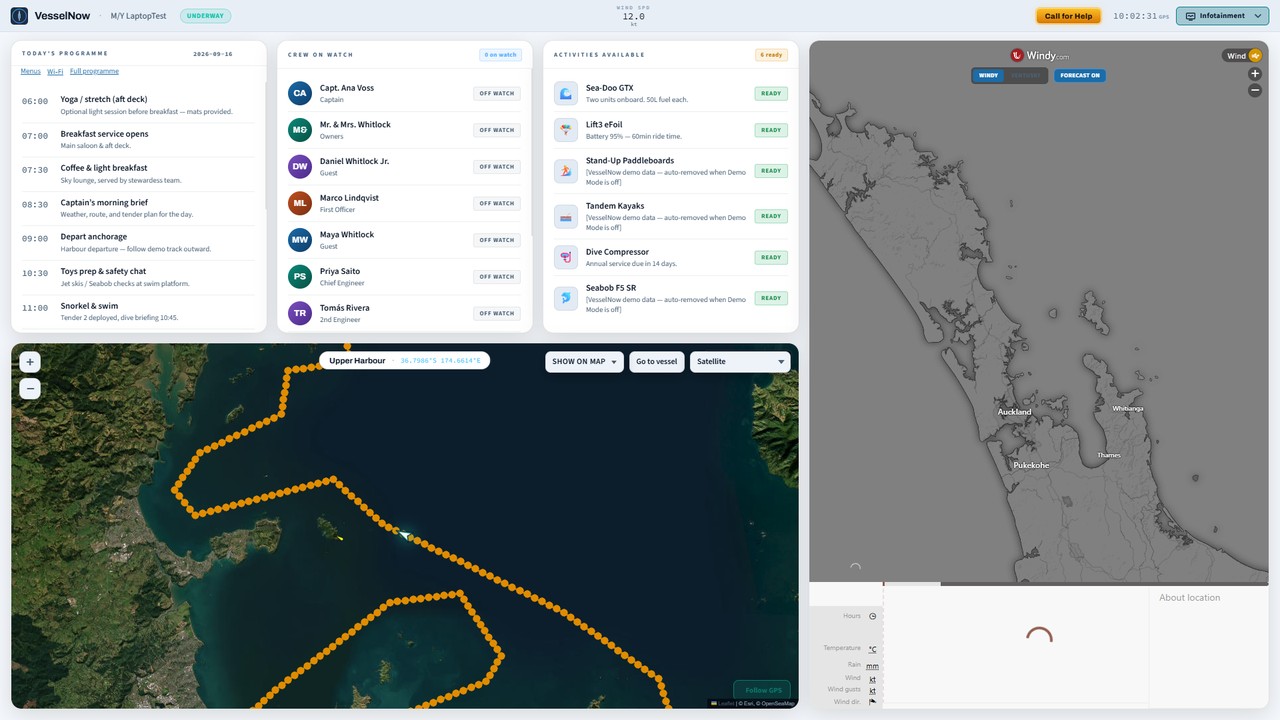
Guest, for the saloon and cabins
Route, today’s programme, crew by name, and the history and wildlife of the coast. Never a bridge alarm.
More about Guest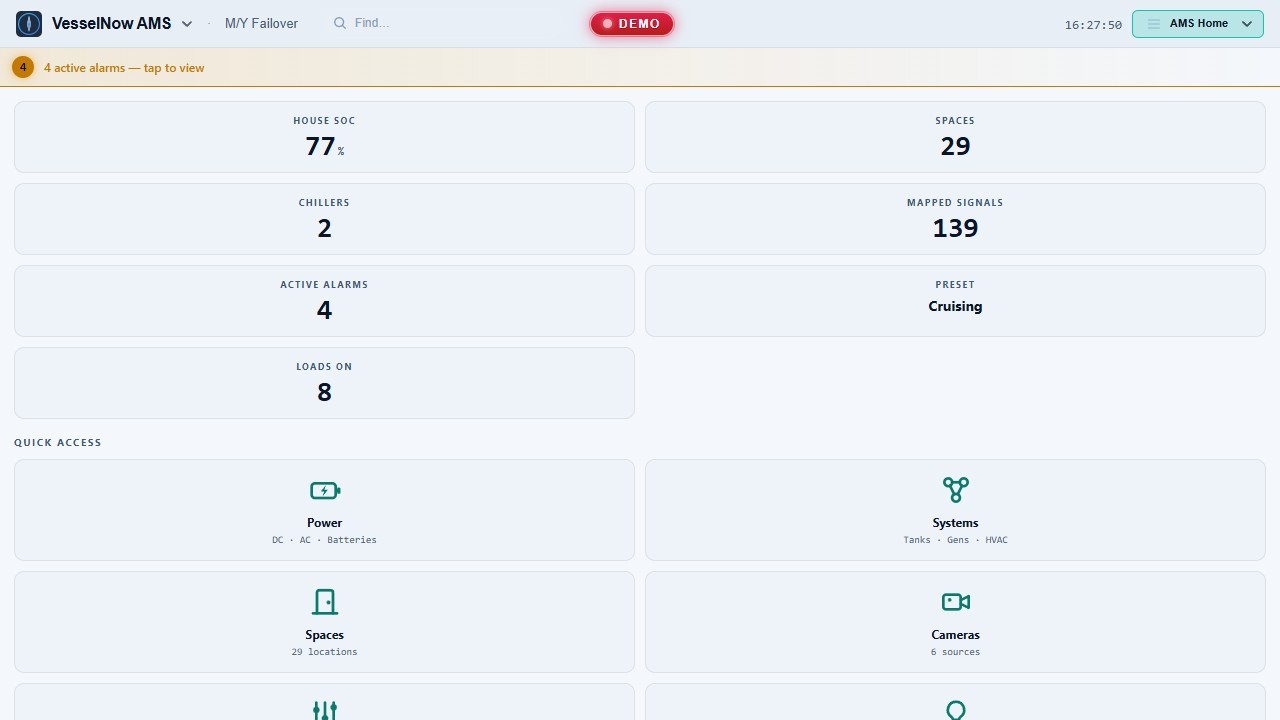
AMS, for the engineer
Power, tanks, gensets and PLC alarms at a fixed panel, with an audit log. The office sees every vessel from vesselnow.io.
More about AMSAlso in the Product menu: IT · AV · All five surfaces
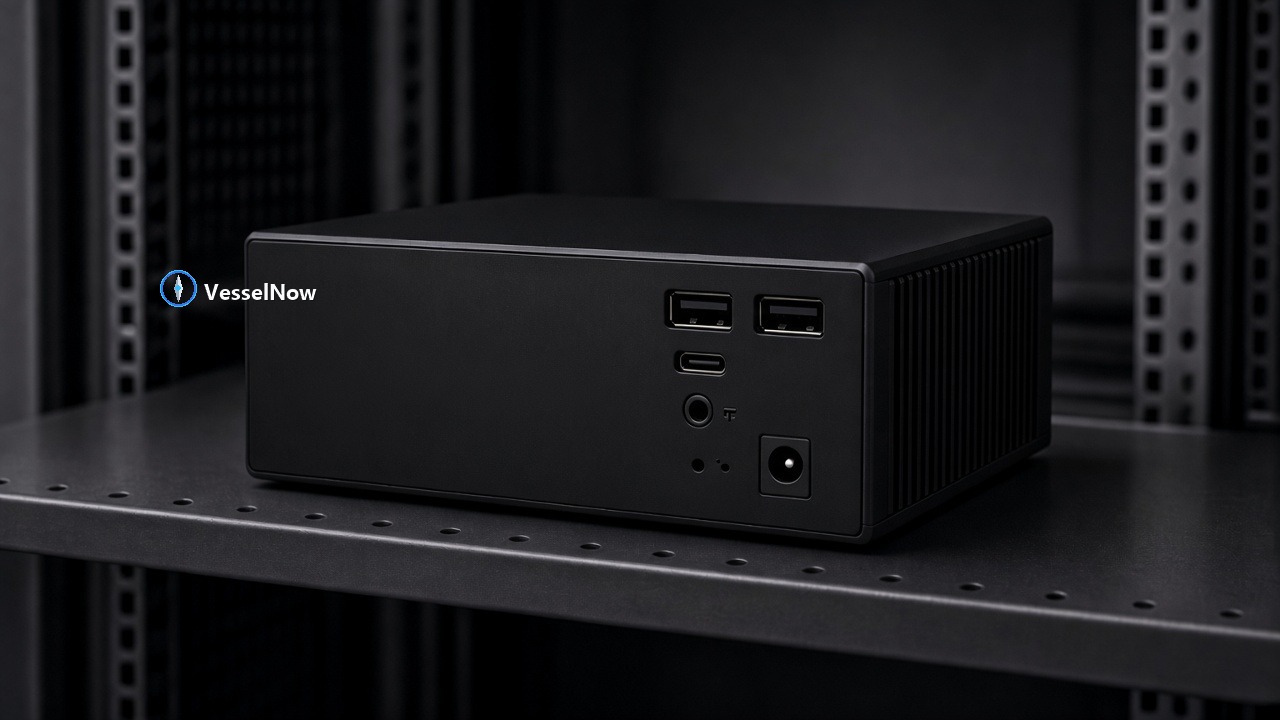
One box on the boat. Nothing replaced.
VN-Core is a fanless PC running Windows or Docker on the vessel network. It reads NMEA 0183 and 2000, AIS, Victron and PLC data that’s already there and serves every screen aboard over the boat’s Wi-Fi. No internet needed. When Starlink or cellular is up, it syncs to vesselnow.io so the office sees the fleet.
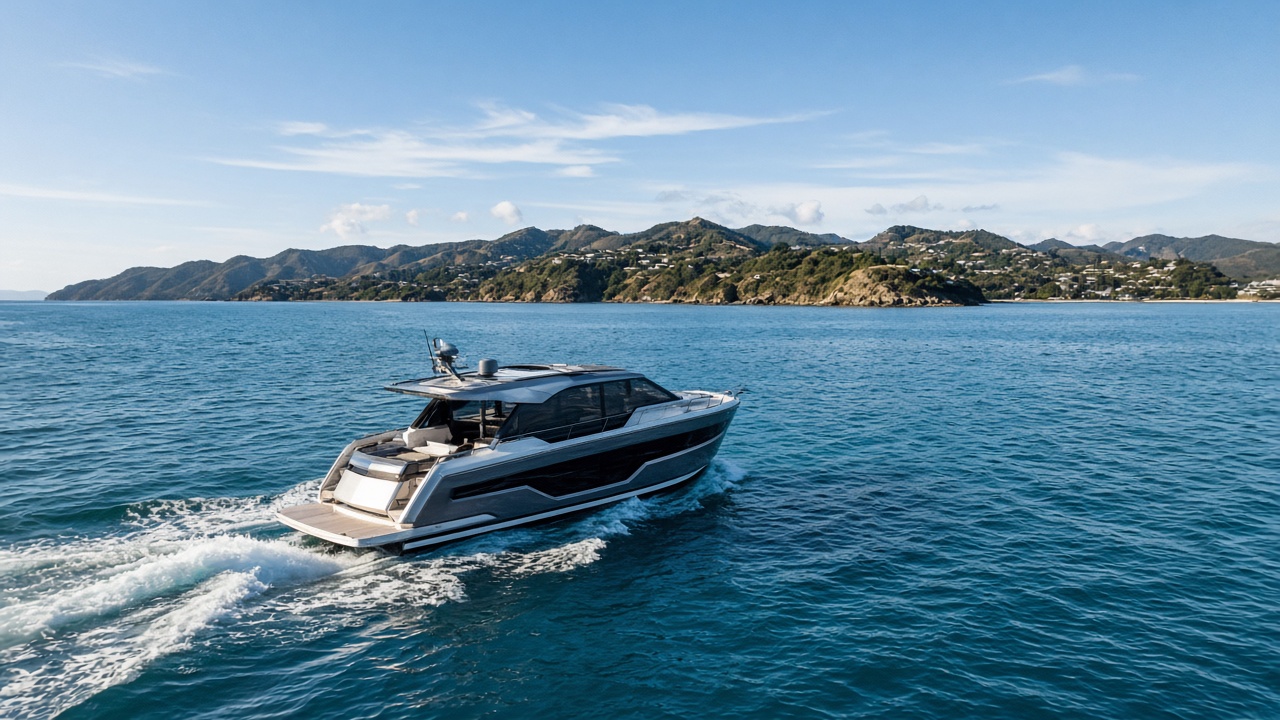
“I got tired of walking between four screens to answer one question about my own boat. VesselNow runs on Failover first. Every release goes there before it goes to yours.”
Nik Thullesen, founder, GMTS Group, Auckland
Pick the plan that matches the boat.
Monthly, in USD, cancel any time. Hardware is yours. Get Started on one vessel, then pick a plan.
Lite
Cerbo GX boats and tenders — no onboard PC.
- App and website remote access
- Alarms and push notifications
- Sparse vitals — GPS, power, tanks
- Runs on Victron Cerbo GX
- No VesselNow UI on the boat
Navigator
Private boats and personal cruising.
- Position, speed, heading, alarms
- 7-day history
- Phone and web access
- One vessel
- Essential updates
Professional
Charter yachts, ferries, tour boats, commercial vessels.
- Everything in Navigator
- Full sensors, power and tanks
- Guest screens, History, Wildlife, Fishing
- 30-day Time Machine
- Cloud map and Apple TV
Enterprise
Superyachts and managed fleets.
- Everything in Professional
- AMS engineer surface
- Multiple vessels, one account
- Fleet map, multi-vessel alarms
- Priority support
Perpetual licence
Prefer to buy once and own it outright? A one-time perpetual licence is available with a period of free updates and online access.
All pricing in USD, excluding local taxes. Lite runs on a Victron Cerbo GX. Navigator and above need a Docker-capable server, NAS or appliance aboard.
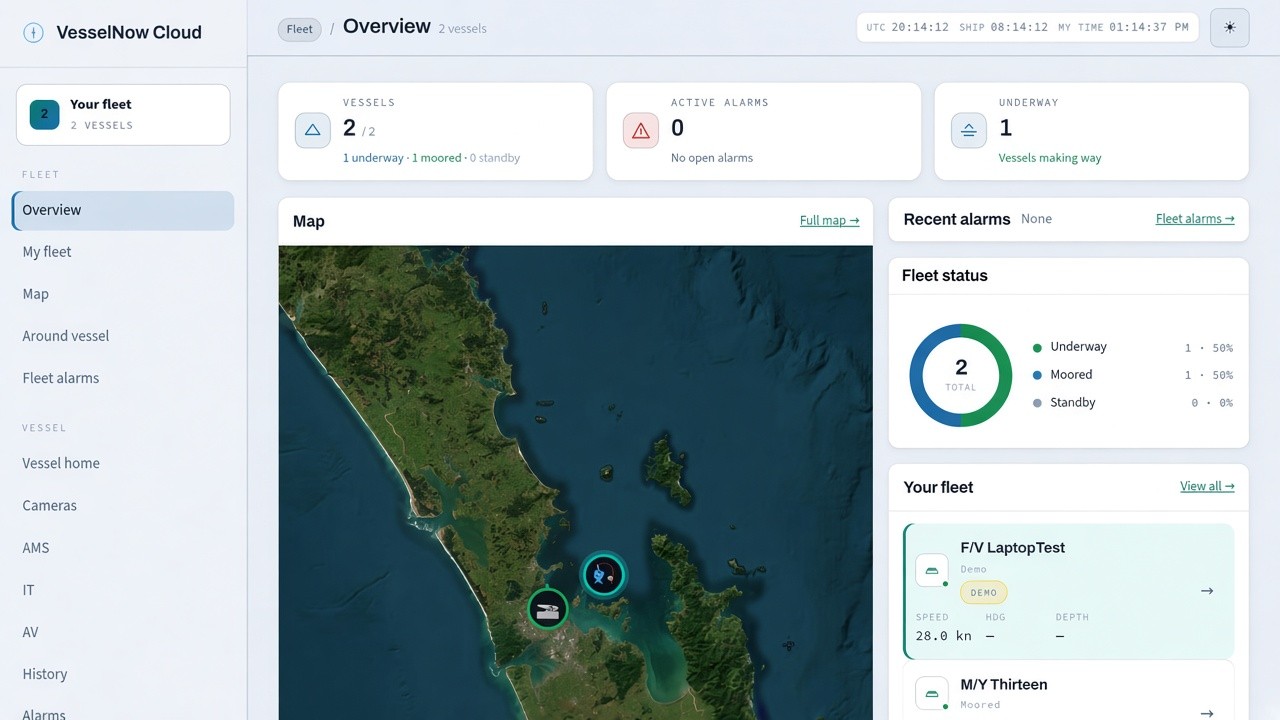
See your vessel, right now.
Start on one boat. Get it running aboard, watch it come alive, and decide for yourself.